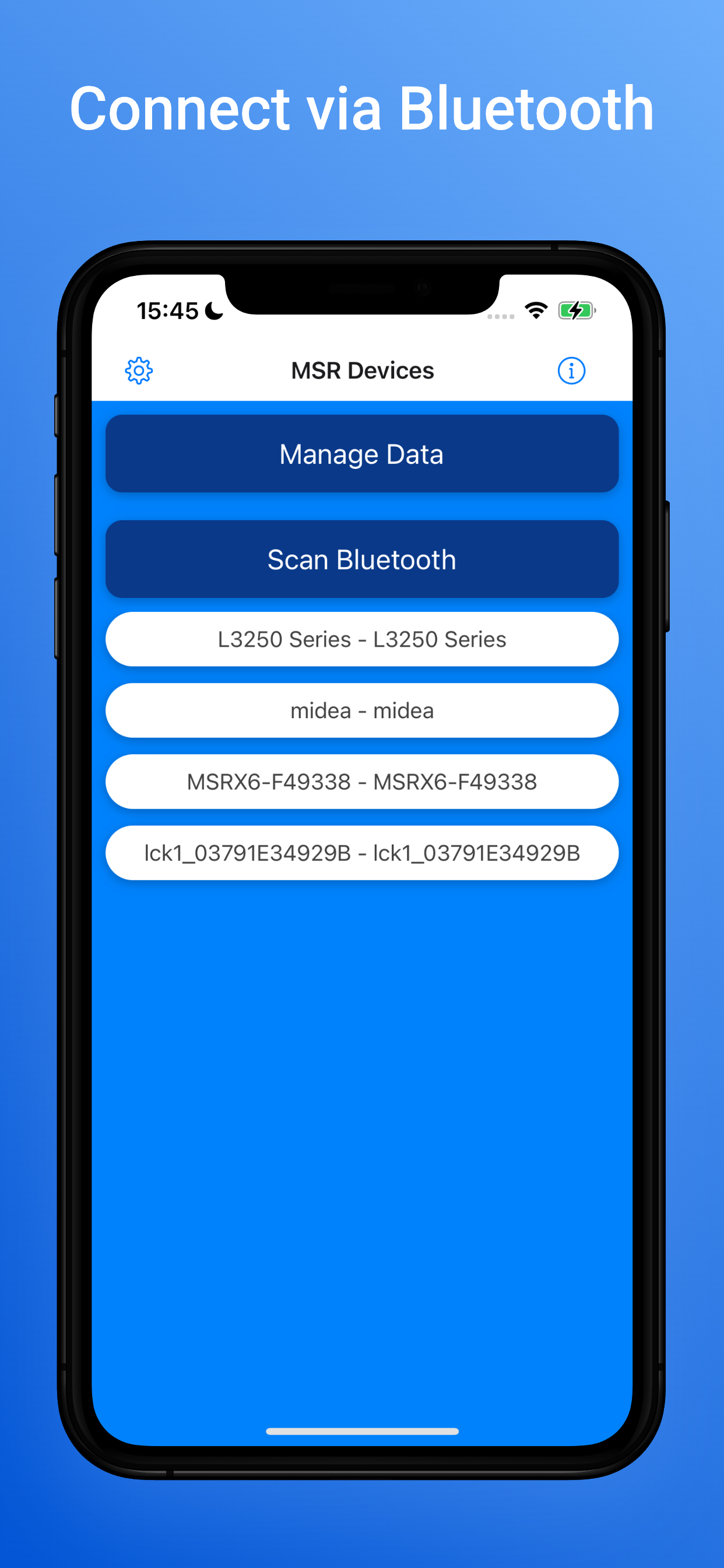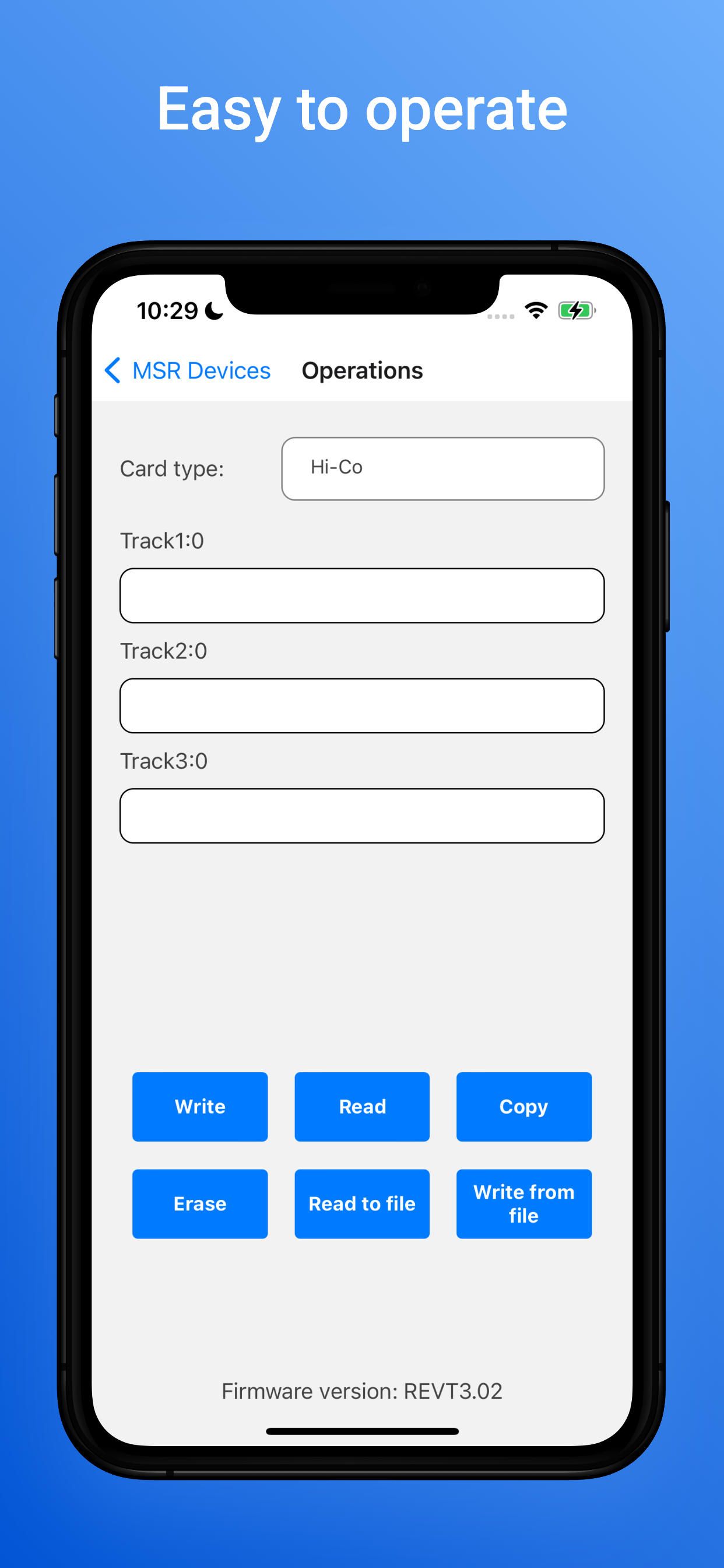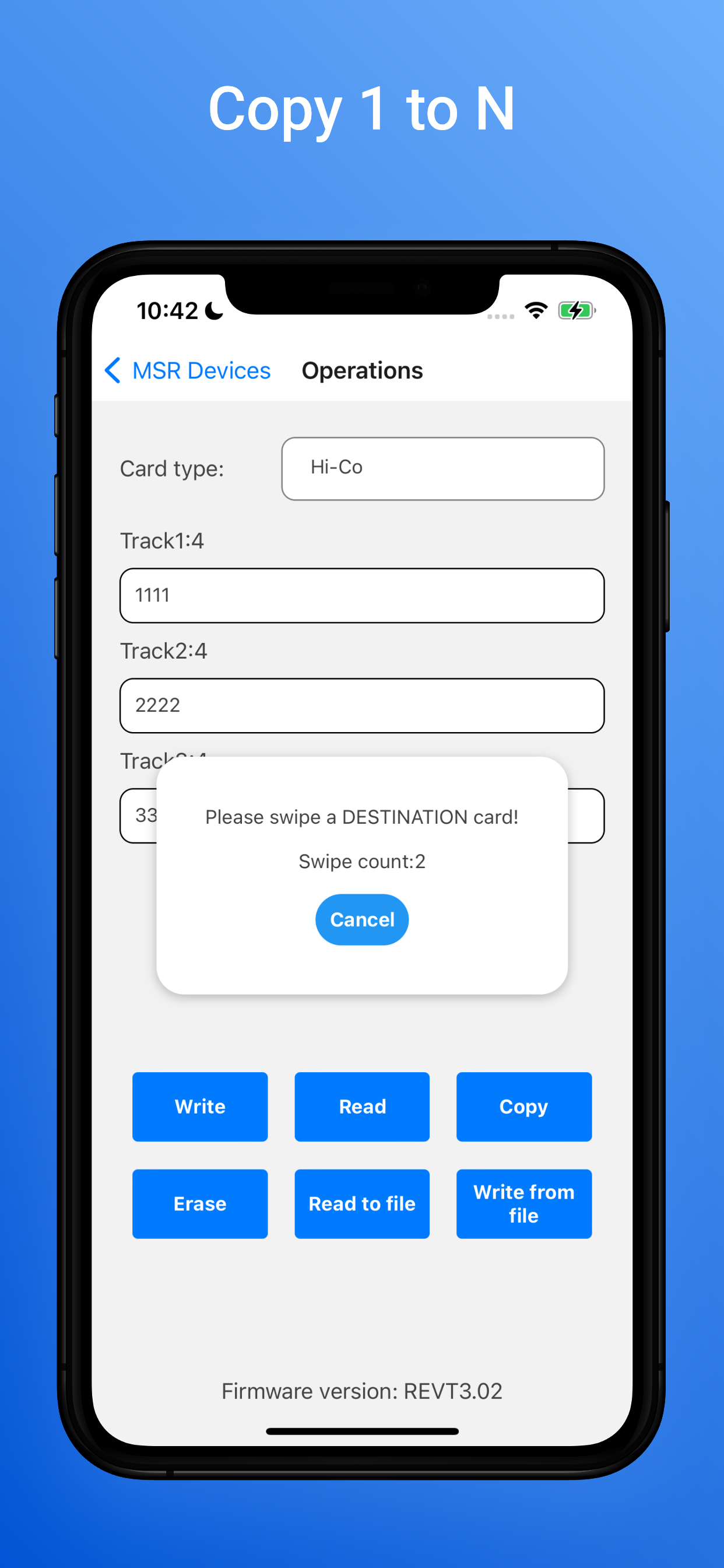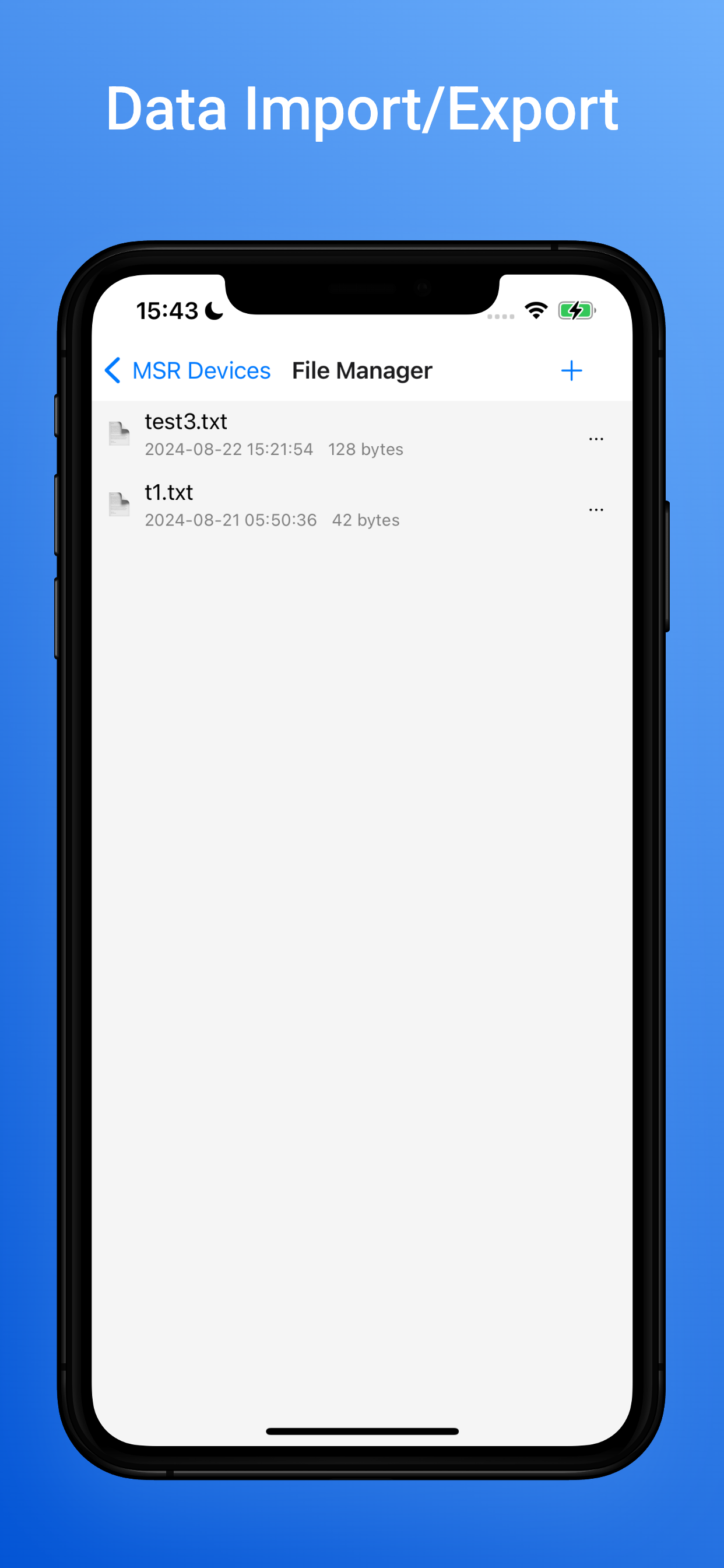
Download the official EasyMSR apps for compatible magnetic stripe readers and writers. Choose Bluetooth software for MSRX6/MSRX6BT or Android USB software for MSR605X.
| Model Types | Vendors | Connection | Platform | Software |
|---|---|---|---|---|
| MSRX6 / MSRX6BT | Deftun, Misiri, Tnaive, HZGOTech | Bluetooth | iOS, Android | iOS · Android |
| MSR605X / MSR605U / MSR606X | Deftun, Osayde, Getmorv | USB OTG | Android | Android |
| MSR90 / MSR100 / MSR123 | Deftun, Posunitech, Etekjoy, MiniDX, Arikit | USB | Windows, iOS, Android, Safari | Windows · iOS · Android · Safari |
| BTMSR | Posunitech | Bluetooth | iOS, Android | iOS · Android |
| MSR880 | Osayde | USB | Android | Android |
Use the Bluetooth app for MSRX6/MSRX6BT. Use EasyMSR USB for an MSR605X connected to Android through USB OTG.
The Bluetooth version is available for Android and iOS. The MSR605X USB version is available for compatible Android devices.
Use the App Store and Google Play links on this website. They point to the official store listings and avoid unverified third-party APK files.